School fees payment and tuition automation
Parents pay in seconds. The bursar stops chasing tellers.
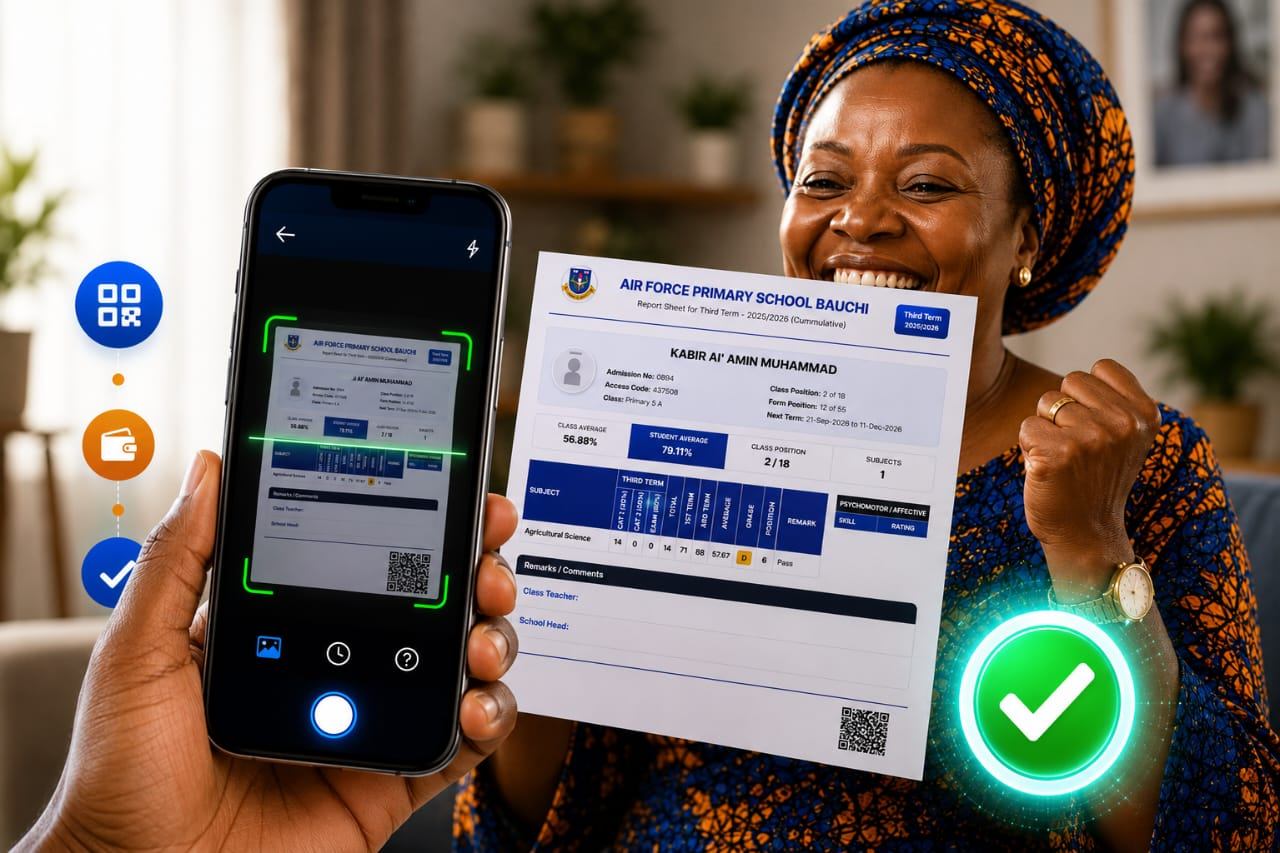
Collecting school fees shouldn't mean queues at the bank, photographed tellers on WhatsApp and a bursar reconciling by hand for a week. With Penney and CollegeDreams, parents pay tuition online or by scanning a QR code, and every payment is confirmed with the provider and posted against the right student automatically.
What you get
School Fees Payment Automation, built for Nigerian organisations.
-
QR-code tuition payments
Each bill carries a QR code. Parents scan it and pay the exact amount for the right student, with no account number or reference to type.
-
Part payments by instalment
Schools can allow tuition in instalments, with a minimum per payment, and see each student's outstanding balance update as money comes in.
-
Automatic reconciliation
Confirmed payments are delivered straight into CollegeDreams by webhook and matched to the student's bill, with every delivery attempt logged.
-
Receipts & notifications
Parents get a receipt and the school sees the payment in real time, so nobody needs to send proof of payment.
- QR-code payments
- Part payments
- Real-time reconciliation
- NIBSS, Flutterwave & Mizan
The real cost of manual fee collection
When parents pay at the bank or by transfer with a vague narration, someone at the school has to work out who paid, for which child and for what. Tellers get lost. Transfers arrive with no name. Parents pay the wrong amount, or pay twice. Every term the bursar spends days matching bank statements to a list of students, and the school still has no clear view of who owes what until that work is done.
School fees automation removes that step. Because the payment starts from the student's own bill, the system already knows who is paying and for what. The only thing left to do is confirm the money arrived, and that happens automatically.
How Penney keeps every naira accounted for
Penney is our payment platform. It collects through established Nigerian payment providers (NIBSS, Flutterwave and Mizan), confirms each transaction with the provider, and then delivers it to CollegeDreams by webhook. If CollegeDreams doesn't acknowledge a delivery, Penney retries, and every attempt is logged, so a payment can't silently go missing between the parent's debit and the school's ledger.
For proprietors this means an accurate, live picture of fee collection by class and by term. For parents it means paying in seconds from a phone, with a receipt, and never being asked to bring the teller.
How it works
From first call to live, in 4 steps.
-
Set up fee items
The school sets tuition and other charges per class and term in CollegeDreams.
-
Parents get a bill
Each student's bill carries the amount due and a QR code.
-
Parents pay
By bank transfer, card or QR scan, through our partner payment providers.
-
It reconciles itself
Penney confirms the payment and posts it to the student's record in real time.
FAQ
Questions about school fees payment automation
How do parents pay school fees online?
Parents open their child's bill and pay by bank transfer or card, or simply scan the QR code on the bill with their phone. The payment is confirmed and posted to the student's record automatically.
Can parents pay school fees in instalments?
Yes. Schools can turn on part payment and set how many instalments are allowed. Each payment reduces the student's balance immediately.
How does the school know who has paid?
Every payment starts from a specific student's bill, so it is reconciled automatically. The school sees payments in real time in CollegeDreams, with no need to match bank statements.
Which payment providers do you use?
Penney integrates with NIBSS, Flutterwave and Mizan, so parents can use the payment methods they already have.
Do we have to use CollegeDreams to collect fees with Penney?
Penney is built into CollegeDreams, which is the simplest route. If your school uses a different system, talk to us about a payment integration.
Insights
Further reading
-
 School fees
How to automate school fees collection in Nigeria
A practical guide for proprietors and bursars on moving school fees online, from bank tellers to QR payments and automatic reconciliation.
-
School management
How to choose school management software in Nigeria (a practical checklist)
What Nigerian schools should look for in school management software: results and report sheets, fees, admissions, parent communication, cost and support.
-
Payments
Payment integration in Nigeria: a practical guide for businesses
How payment integration works in Nigeria, from NIBSS and Flutterwave to webhooks, retries and reconciliation, and what causes missing payments.
Also from MWare
Our other solutions
Let's build something that stays up.
Tell us what you need and we'll come back to you with honest next steps.