How to automate school fees collection in Nigeria
A practical guide for proprietors and bursars on moving school fees online, from bank tellers to QR payments and automatic reconciliation.

Ask any bursar what the hardest week of the term is and you will usually hear the same answer: the week fees are due. Parents pay at different banks, send transfers with narrations like "school fees" and nothing else, forward photos of tellers on WhatsApp, and pay amounts that don't match any bill. Someone then has to sit with bank statements and a class list and work out who has paid for which child.
Automating school fees collection removes most of that work. This guide explains what "automated" actually means, what to look for, and how to roll it out without confusing parents.
What goes wrong with manual fee collection
Manual collection fails in predictable ways:
- Payments you can't identify. A transfer of ₦150,000 with no student name is money the school has, but can't credit to anyone.
- Wrong amounts. Parents pay last term's fee, round up, round down, or pay for two children in one transfer.
- Lost evidence. Tellers get misplaced. Screenshots get deleted. Disputes become one person's word against another's.
- Late visibility. The proprietor doesn't know how much has been collected, or who still owes, until reconciliation is finished, often weeks into the term.
- Staff time. Every one of those problems is solved by hand, by the same small team, at the busiest time of the year.
None of this is anyone's fault. It is what happens when the payment and the student record live in two different places.
What "automated" school fees collection means
A properly automated setup has four parts.
1. Every payment starts from a specific student's bill
Instead of giving parents one school account number, each student gets a bill: the amount due, what it covers and a way to pay it. Because the payment begins from that bill, the system already knows who is paying and for what. There is nothing to match up later.
2. Parents pay the way they already pay
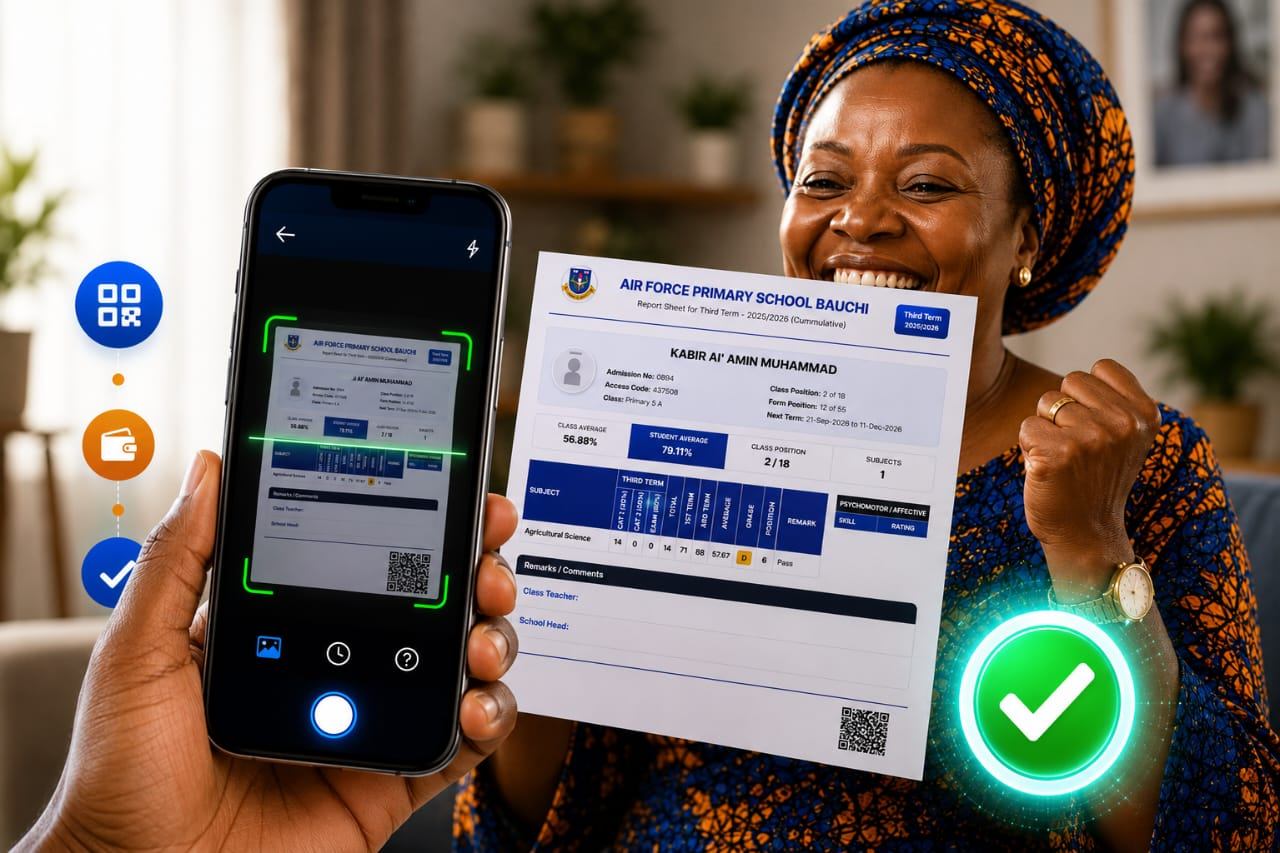
Bank transfer and card are the basics. QR codes make it even simpler: the parent scans the code printed on the bill or report sheet, and the correct amount for the correct child is filled in. Nothing to type means nothing to get wrong.
3. Payments are confirmed, then posted automatically
When the payment provider confirms the money has arrived, the payment is posted to the student's record straight away. Good systems don't rely on a single notification: if the school's system doesn't acknowledge a payment, it is sent again, and every attempt is logged. That is what stops payments quietly going missing.
4. Everyone sees the same numbers in real time
The bursar sees each payment as it lands. The proprietor sees collection by class and by term. Parents get a receipt immediately and see their balance, so nobody is asked to "bring the teller".
Part payments and instalments
Many Nigerian families pay tuition in instalments, and schools that refuse part payments often end up with no payment at all. An automated system can support this safely: the school decides whether part payment is allowed, how many instalments, and therefore the minimum per payment. Each instalment reduces the student's balance immediately, so everyone always knows exactly what is outstanding.
How to roll it out
Moving fees online is as much about people as software. A rollout that works usually looks like this:
- Set up fee items properly. Tuition, development levy, uniforms, exams: each item per class and per term, so bills are accurate from day one.
- Start with one term. Announce the change before resumption, not in the middle of fee week.
- Tell parents exactly how to pay. A short letter or WhatsApp broadcast with a screenshot of the bill and the QR code does more than a long explanation.
- Keep one fallback for a term. Some parents will still walk into the bank. Accept it for one term while the new habit forms.
- Stop accepting tellers as proof. Once most parents are paying online, the receipt from the system becomes the only proof of payment. That single rule is what ends reconciliation.
Questions to ask any school fees platform
Before you choose a platform, ask:
- Does each payment post to the right student automatically, or does someone still match statements?
- Which payment providers does it use, and can parents pay by transfer, card and QR?
- What happens if a payment notification fails? Is it retried, and is there a log?
- Can we allow part payments, and control the minimum?
- Can parents see their balance and get a receipt without calling the school?
- Is it connected to our results and student records, or is it another separate system?
How we do it at MWare
Our school fees payment automation runs on Penney, our payment platform, and is built into CollegeDreams, our school management software. Parents pay by transfer, card or QR code through NIBSS, Flutterwave and Mizan; each payment is confirmed and delivered to CollegeDreams by webhook with retries, and posted against the student's bill in real time.
If your school is still reconciling fees by hand, talk to us about moving next term's collection online.