How to choose school management software in Nigeria (a practical checklist)
What Nigerian schools should look for in school management software: results and report sheets, fees, admissions, parent communication, cost and support.
Choosing school management software is one of the few technology decisions a school makes that touches everyone: teachers, the bursar, the exams officer, the head teacher, the proprietor, parents and students. Get it right and results week, fees week and admissions become routine. Get it wrong and you pay twice: once for the software, and again in the time staff spend working around it.
This checklist is written for Nigerian schools, because a lot of software sold as "school management" was designed for a different system and adapted later.
1. Does it fit the Nigerian school calendar and grading?
Start with the basics that are hard to change later:
- Three-term sessions, with the right term and session active at any time.
- Continuous assessment plus exams, with your own weighting (for example CA1, CA2, exam).
- Class positions and averages, if your school uses them, with the option to switch positions off.
- Psychomotor and affective ratings, class-teacher and head-teacher remarks.
- Arms and subject groups, such as JSS1A and JSS1B, or science and art subject combinations.
- Promotion rules, including a graduating class at the end of the session.
If a vendor has to "customise" these for you, ask how long it takes and what it costs every session.
2. How good are the report sheets?
Report sheets are what parents actually see, so they carry your school's reputation. Look for:
- Scores entered once by teachers, with totals, averages, grades and positions computed automatically.
- Your school's logo, name and signature on the sheet.
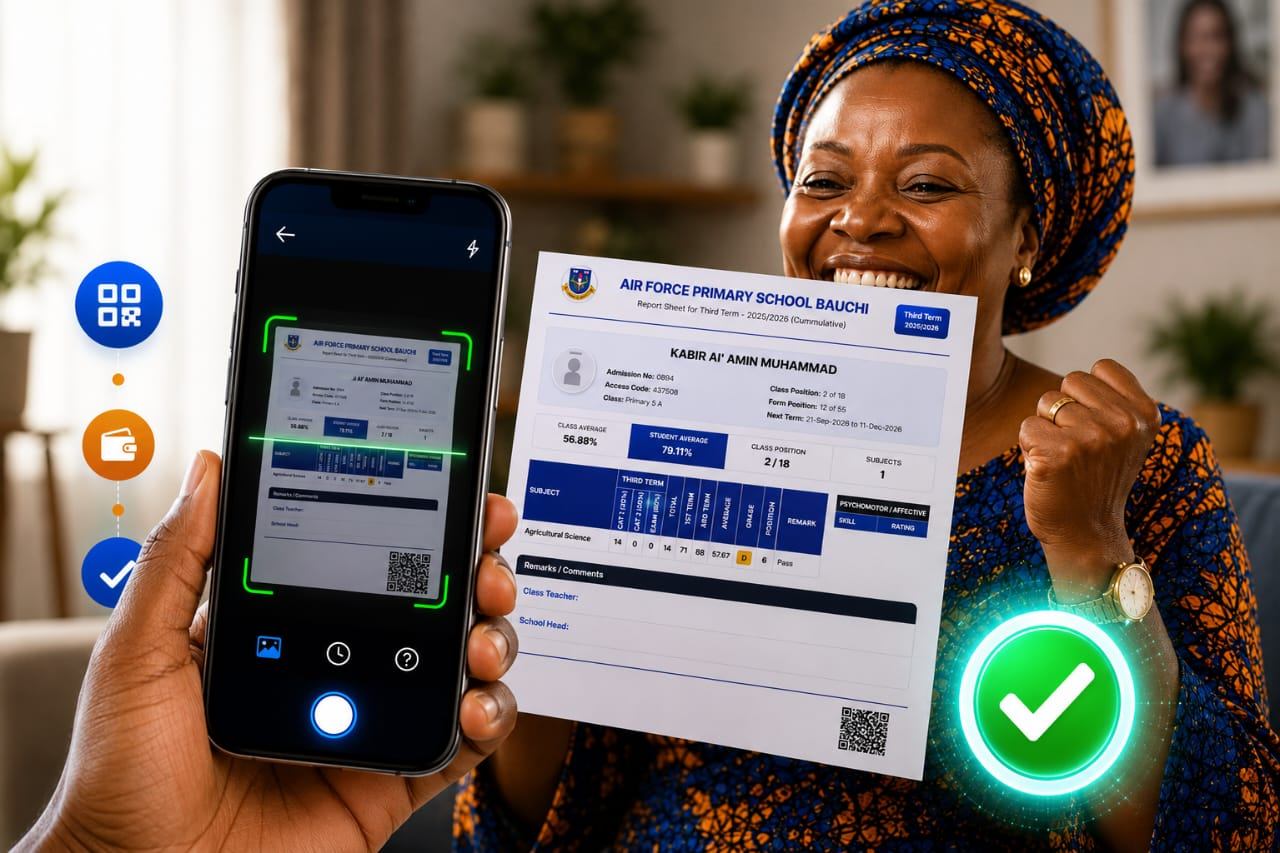
- A way for parents to verify that a report sheet is genuine, such as a QR code, so edited or fake results are easy to spot.
- Cumulative results across terms if you report them.
3. Can parents pay fees through it?
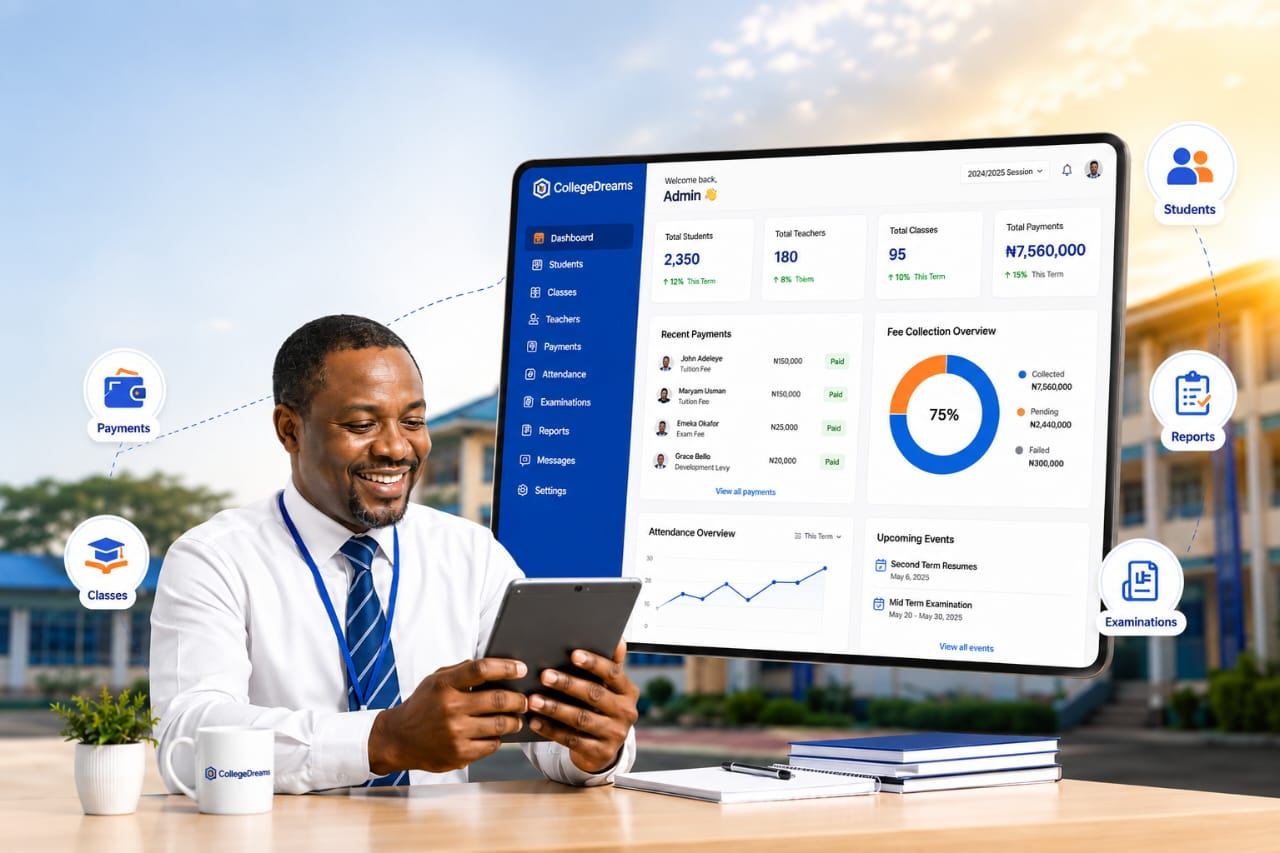
A school management system that doesn't handle fees leaves your bursar with the hardest job in the school. The best setups let parents pay online against their child's bill, by transfer, card or QR code, and post every payment to the student automatically. Ask whether part payments are supported, and whether the school can see balances by class in real time. (We wrote a separate guide on automating school fees collection.)
4. Admissions, records and communication
- Online admission forms, and optionally admission fees.
- One record per student and staff member, carried from year to year.
- SMS and email to parents, with your school's own sender name.
- A parent portal, so parents can check results and balances themselves.
5. Does it work for more than one school?
If you run, or plan to run, more than one school or section, check that the system handles multiple schools from one account, with each school's settings and branding kept separate. Ask the vendor who their largest multi-school customer is.
6. What does it really cost?
Pricing models vary: per student per term, flat subscriptions or one-off licences. Work out the total cost over a full session, including setup, SMS, training and any per-result or per-report fees. Then compare it with the staff time you save.
7. Who supports it, and are they in Nigeria?
Software is only as good as the people behind it. Ask:
- Is the vendor a Nigerian company, and where are they based?
- How long have they been running this product?
- How do you reach them during results week, when it matters most?
- Where is your data hosted, and how is it backed up and protected under the Nigeria Data Protection Act?
8. Ask for references
Any serious vendor can tell you which schools use their system. Ask for schools similar to yours, and call one.
A quick checklist
| Question | Why it matters |
|---|---|
| Nigerian terms, CA and exams built in? | Avoids workarounds every session |
| QR-verifiable report sheets? | Protects your results from forgery |
| Online fees against each student's bill? | Ends manual reconciliation |
| Part payments supported? | Matches how families actually pay |
| Parent portal and SMS? | Fewer calls to the school office |
| Multi-school support? | Room to grow |
| Nigerian vendor with a track record? | Support when you need it |
Where CollegeDreams fits
CollegeDreams is the school management software we have built since 2003 and run in schools since 2006. It covers results and QR-verifiable report sheets, admissions, records, parent communication and online fees through Penney, and it runs across the Nigerian Air Force school network as well as independent schools. You can see the schools that use it, or talk to us about your school.